Antelematics

Deployments

OUR SERVICES

Installations & Deployments

Our video telematics solutions offer two flexible installation options to fit your needs:

Professional Installation by Certified Technicians

and Self-Installation with Plug-and-Play Devices.
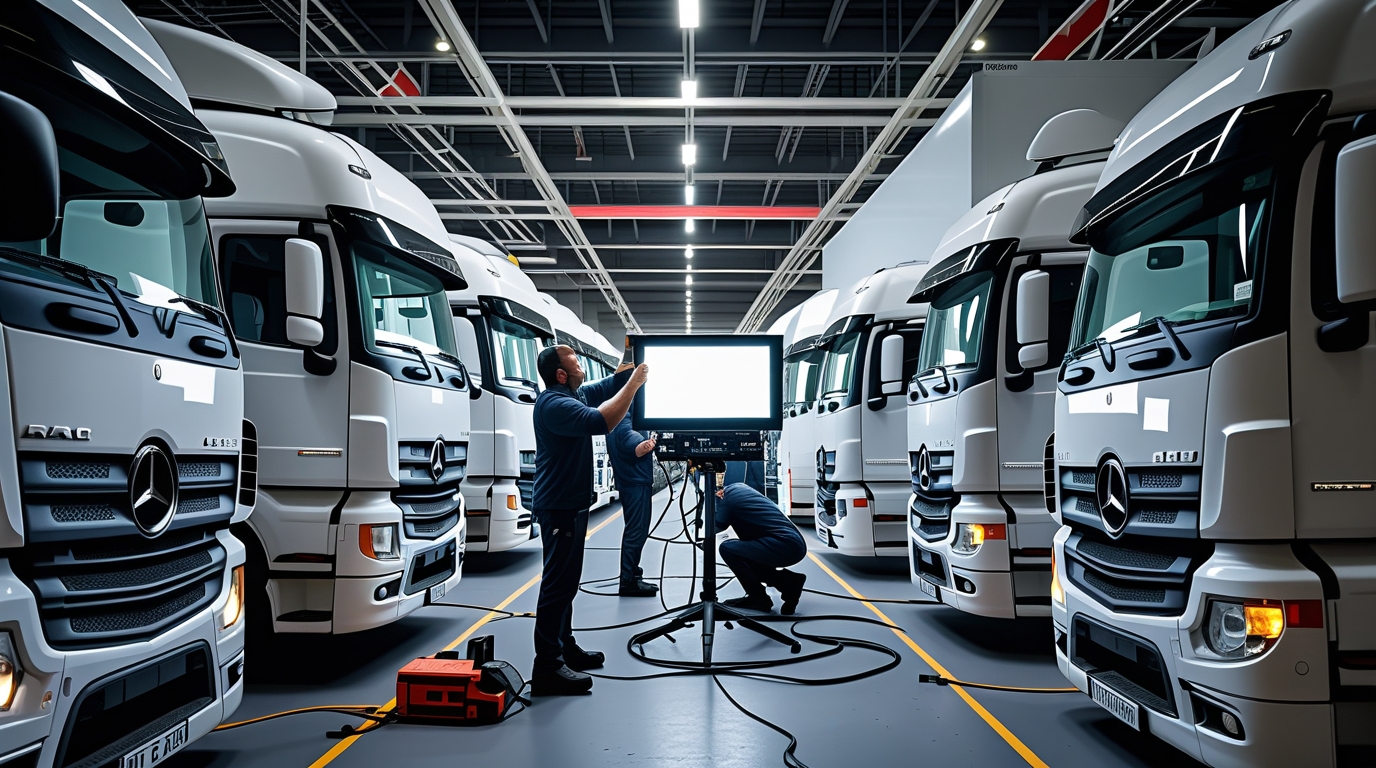
envato-labs-ai-4c5ea8d5-7e9f-4133-a92b-e46d944f3327
Our Process

Installation Phase

Request A Quote
01

Pre-Installation Planning

  • Requirements Assessment:
    Confirm that the correct telematics devices, cameras, sensors, and mounting accessories are available. Evaluate vehicle compatibility, including power sources and mounting areas.
  • Site and Vehicle Survey:
    Identify ideal camera locations (front, driver-facing, side, or rear) and routing for wiring. Plan for unobstructed views and secure installation to minimize vibrations.
  • Scheduling:
    Arrange installations to minimize disruption, coordinating with fleet managers or vehicle operators.


02

Hardware Installation

  • Mounting Cameras and Sensors:
    Securely install cameras in predetermined positions (e.g., dashboard, windshield, side mirrors). Install sensors (GPS, accelerometers) in appropriate locations for accurate data collection.
  • Electrical and Data Connections:
    Connect devices to the vehicle’s power supply (direct battery connection, fuse panel. Route and secure wiring to prevent damage and ensure reliability.
  • Initial Functionality Check:
    Verify that each camera and sensor has a clear view and is correctly aligned. Confirm that all hardware components are securely fastened and compliant with safety standards.
03

Safety and Calibration

  • Compliance Check:
    Ensure all installations meet regulatory standards and privacy requirements (especially for driver monitoring).
  • Calibration:
    Calibrate cameras for proper focus and angle.
  • Testing:
    Perform diagnostic tests to verify system functionality and connectivity (e.g., GPS signal, LTE/Wi-Fi performance).


Our Process

Deployment Phase

Request A Quote
01

Software Integration

  • Device Activation:
    Activate hardware components on the telematics platform using secure credentials. Register each device in the central system for real-time data collection.
  • Configuration:
    Set up device parameters such as video resolution, recording schedules, and event triggers (like harsh braking or lane departure). Configure connectivity settings (cellular, Wi-Fi) for seamless data transmission.
  • Platform Integration: Connect the device data streams to cloud-based management software. Ensure that the system is compatible with existing fleet management or analytics tools.Connect the device data streams to cloud-based management software. Ensure that the system is compatible with existing fleet management or analytics tools.
02

Web Data Deployment

  • Connectivity Testing:
    Run tests to ensure stable communication between vehicles and the central server. Monitor network performance to guarantee that live video and telemetry data are transmitted without interruption.
  • Software Updates:
    Deploy firmware updates to the devices remotely, ensuring all units are running the latest software. Roll out new features or security patches in a staged manner to prevent disruptions.
  • Monitoring and Diagnostics
    Implement dashboards for live monitoring of video feeds and telematics data. Set up diagnostic alerts for any device malfunctions or connectivity issues.


03

Training and Support

  • User Training:
    Provide comprehensive training for fleet managers or end-users on how to access and interpret data. Offer guides and support documentation that cover system usage, troubleshooting, and maintenance.
  • Handover and Customer Sign-Off:
    Perform a final validation of the system’s performance. Obtain customer approval once all components are confirmed to be operating as intended.
  • Ongoing Support::
    Offer remote monitoring, regular maintenance checks, and technical support. Schedule periodic reviews to update configurations and improve system efficiency.


Faq

Asked Questions

envato-labs-image-edit (4)

Yes, our video-tracking systems supports API integration, enabling seamless data flow.This integration enhances your ability to manage all fleet-related data in a centralized manner.

Can I set up geofences using video-tracking devices?

Our platform allows you to define custom geofences based on specific geographic boundaries. This feature enables you to receive alerts when vehicles enter or exit designated areas for enhanced security, compliance and efficiency.

Antelematics Platform allows you to set up customized alerts and notifications based on specific events, speeding, geofencing violations, maintenance reminders, impact, panic button, and many more.

Data usage, internal storage size, and memory usage can be viewed on the Platform or on the phone APP in the Settings menu.

Antelematics Platform offers a wide range of reports and analytics that provide insights into various aspects of your fleet’s performance, including driver behaviour, fuel consumption, trip history, vehicle utilization, and maintenance schedules, ADAS DMS TSR BSD video recordings and many more.